
 login
login who are we?
 contact us
 qosheapp



How to Pass Google Ads Verification: Complete Guide for Advertisers


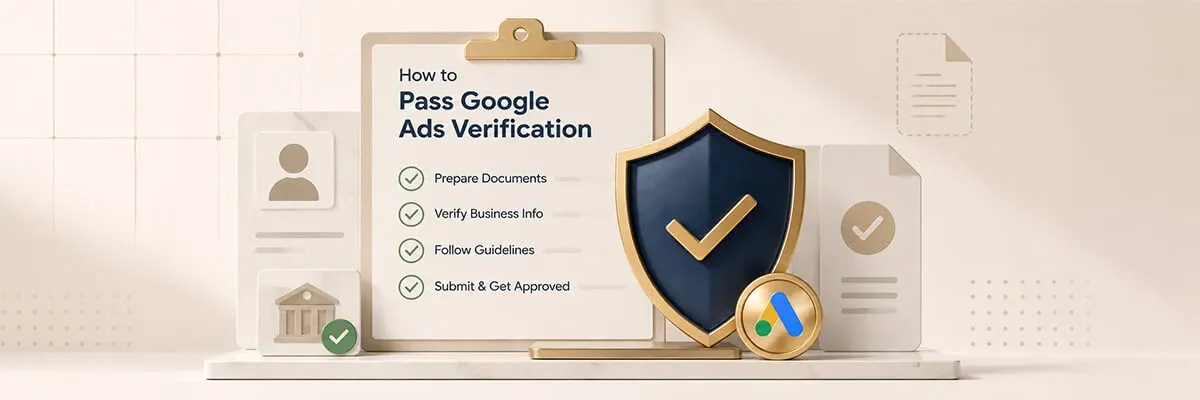
Advertising becomes much smoother once your account is fully verified. Quite often Google asks businesses to confirm their identity or company details before allowing them to continue running ads. Knowing how to Pass Google Ads Verification helps you prevent account suspension, protect existing campaigns, and avoid unexpected pauses in your advertising.
How to Pass Google Ads Verification Without Problems
Google created the verification process to build trust and limit fraudulent activity. They may request a personal ID, business registration papers, or evidence that your company operates legally in your country.
To Pass Google Ads Verification, open the notification in your Google Ads account and carefully study every requirement before uploading anything. Most problems arise when people send outdated, incomplete, or poor-quality documents.
First, determine exactly what type of verification Google is asking for. Depending on your account, it could be advertiser identity verification, full business verification, or extra details about the products and services you promote.
Prepare Your Documents
Collect everything you need in advance. Typical documents include:
- Government-issued ID
- Business registration certificate
- Tax registration documents
- Utility bill or bank statement that confirms your business address
- Company website with correct contact information
All details must match the information already entered in your Google Ads account. Even minor differences in the company name or address can delay the review.
Verify Your Business Information
Google checks the documents you submit against the data in your advertising account and on your website. Your business name, address, phone number, and website should be identical across every platform.
If your site still shows old contact details or lacks essential pages, update it before you submit the verification request. This small step often prevents Google from asking for more information later.
Common Reasons Google Ads Verification Fails
Many advertisers face delays because of simple, avoidable mistakes. The most frequent ones are:
Incorrect or Expired Documents. Expired IDs, blurry photos, or cropped files frequently lead to rejection. Always upload clear, high-resolution images where every detail is easy to read.
Mismatched Business Information. When the legal company name on your documents does not match the name in Google Ads, the system usually requests additional proof. Double-check every field before you send anything.
Website Does Not Meet Requirements. A proper business website needs contact information, a privacy policy, and clear descriptions of the products or services you advertise. Missing pages can trigger extra verification steps.
Restricted Business Categories. Certain industries face stricter checks because they belong to sensitive or regulated areas. Financial services, healthcare, legal services, and some online products often require additional documentation.
Tips to Complete Google Ads Identity Verification Faster
A few practical habits noticeably increase the chance of quick approval.
Submit Accurate Information. Do not shorten your company name or use unofficial versions. The data in your Google Ads account must exactly match your legal documents.
Use High-Quality Scans. Avoid photos taken in bad lighting. Clear color scans or sharp high-resolution images are accepted much faster.
Respond Quickly to Google Requests. If Google asks for more documents, upload them as soon as possible. Slow replies can prolong the process or temporarily restrict your advertising.
Keep Your Business Website Updated. An active website with current company information, support contacts, and legal pages helps prove that your business is legitimate and supports successful verification.
Final Thoughts
Learning how to Pass Google Ads Verification is an important step for every advertiser. Careful preparation, accurate business data, and complete documentation greatly improve the chances of approval. By following Google’s requirements and keeping your account details consistent, you can successfully finish advertiser identity verification, keep your campaigns running without interruption, and continue growing your business with Google Ads.
© qolumnist
 visit website